3D AI Lab
An experimental local workflow for turning reference images into 3D assets that I can continue shaping.
- My contribution
- Workflow direction, interaction design and hands-on testing, with Codex-assisted implementation.
- Project tools
- React · TypeScript · Vite · CSS / Lucide · Three.js / model-viewer · Python / FastAPI / Uvicorn · WSL · TRELLIS.2 / Hunyuan · OpenAI Codex
I created 3D AI Lab to explore a shorter path from an idea to a 3D asset I could keep working on. I wanted to provide an image, generate a starting model and take it into my usual 3D tools for further shaping and texturing.
With Codex, I brought existing AI models into a single local web app. The tested generation workflows use model files stored on the workstation after setup. My priority was to make the process intuitive, with only a few clicks between choosing a reference, generating a model and inspecting the result.
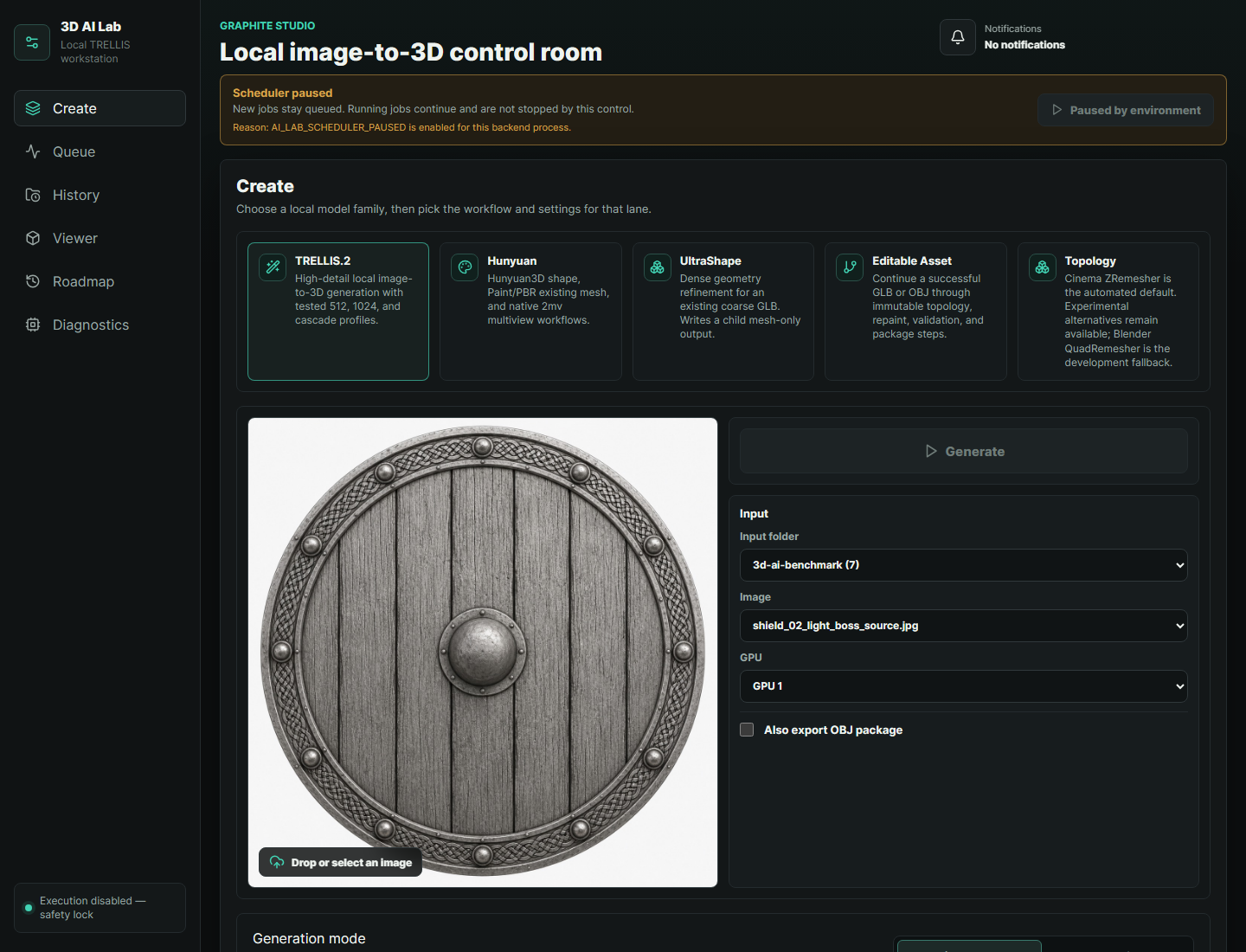
Workflow studies
Testing shaped the direction of the app. When I brought the first generated models into my 3D tools, I found dense triangles and open or nonmanifold geometry. Some image-derived textures were also difficult to edit. That led me to a different sequence: generate the form, retopologize it, then add textures, with room to adjust the model in Maya or continue working in Substance Painter.
I explored topology tools alongside generation, including Cinema 4D’s ZRemesher through its Python tools. I defined how these steps should fit together and used repeated tests to refine the workflow, with Codex assisting the implementation.
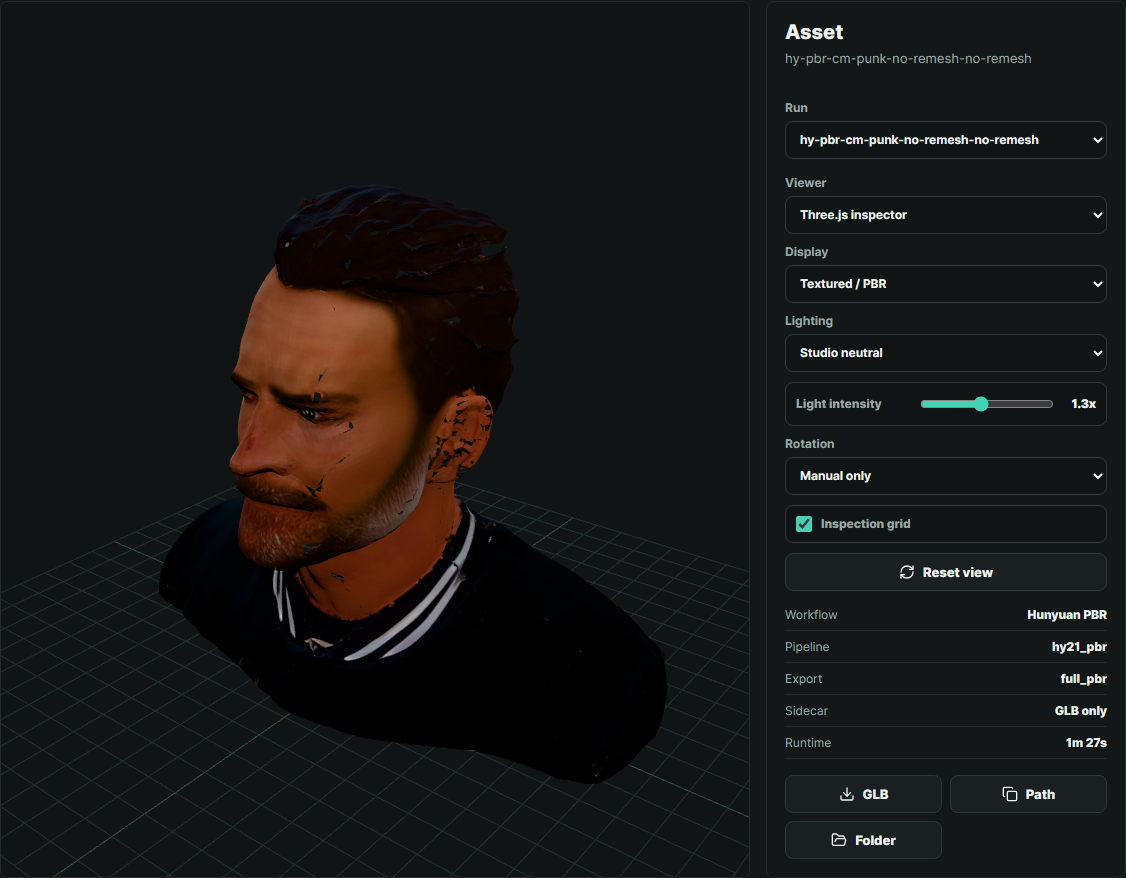
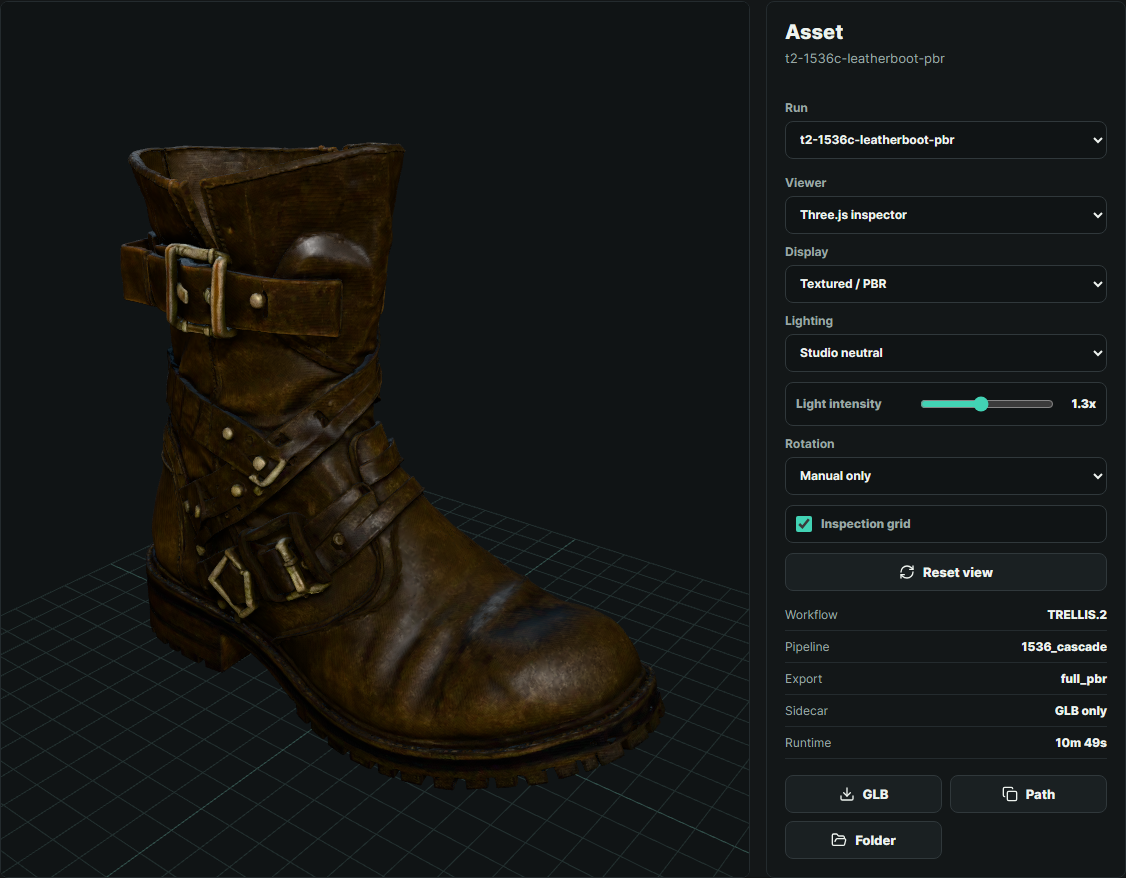
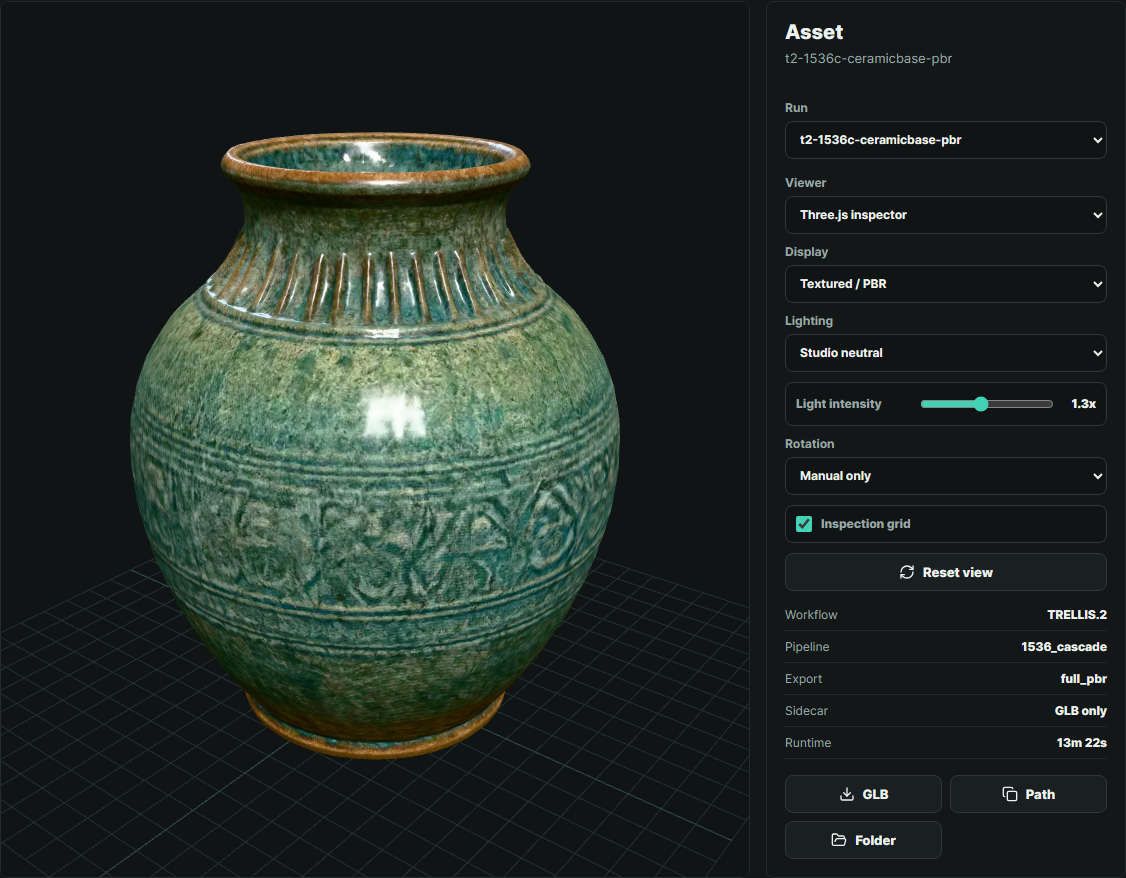
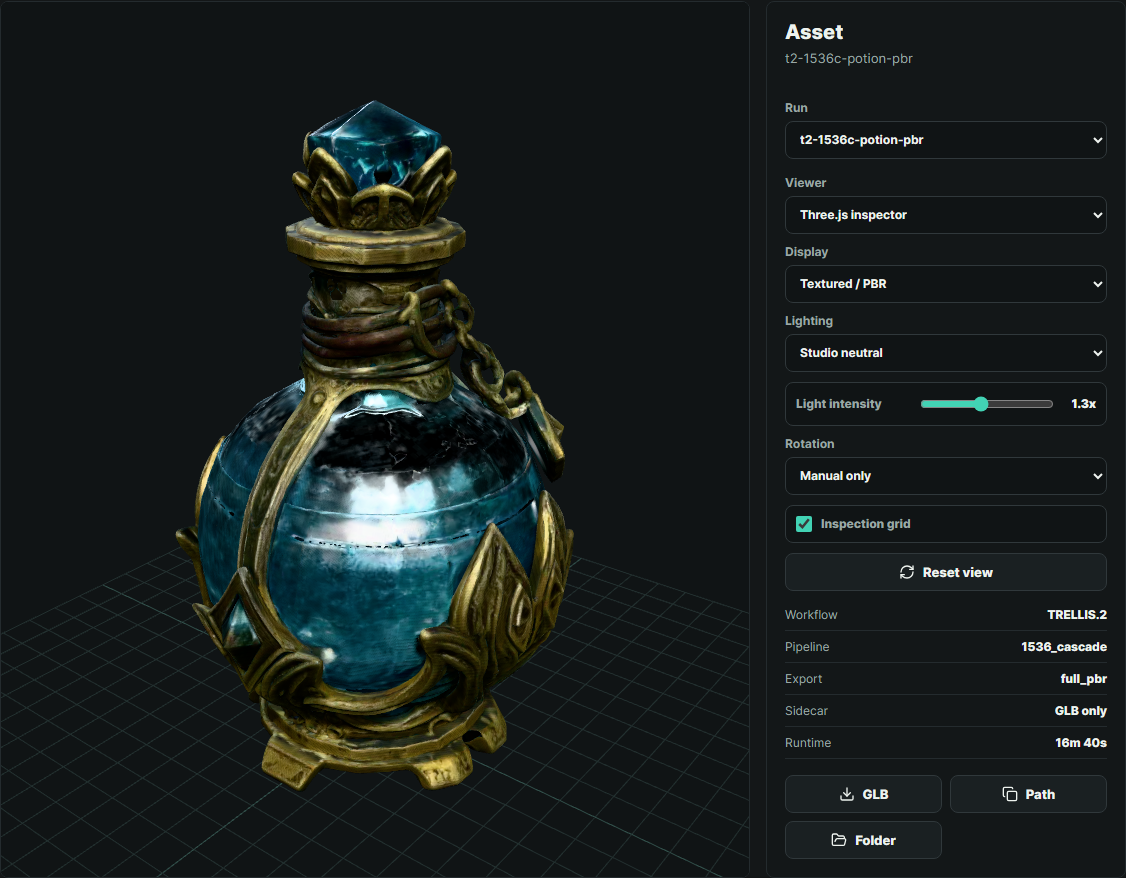
The work so far is experimental, including shields, objects and multiview studies of people. In my tests, the sequence gave me a starting point that was easier to edit than building everything from scratch. There was still room to improve the results, but it brought the workflow closer to what I wanted.
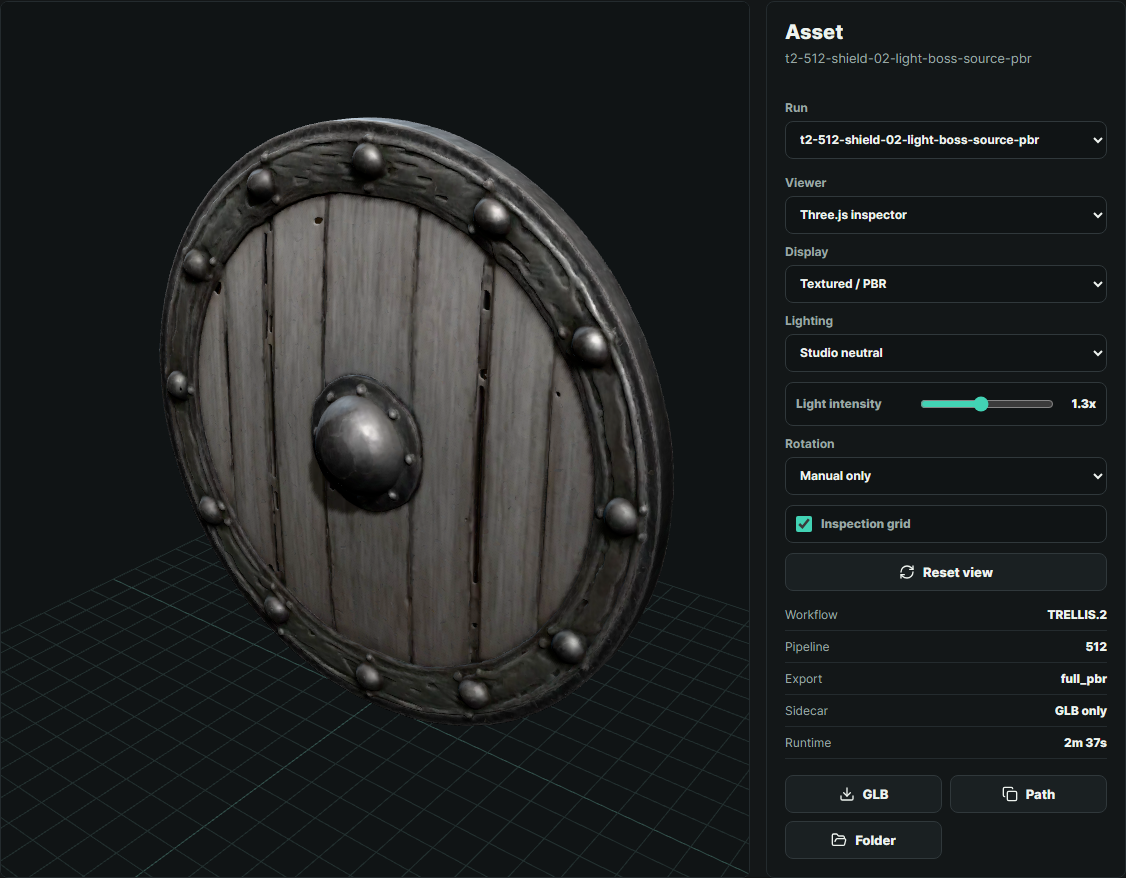
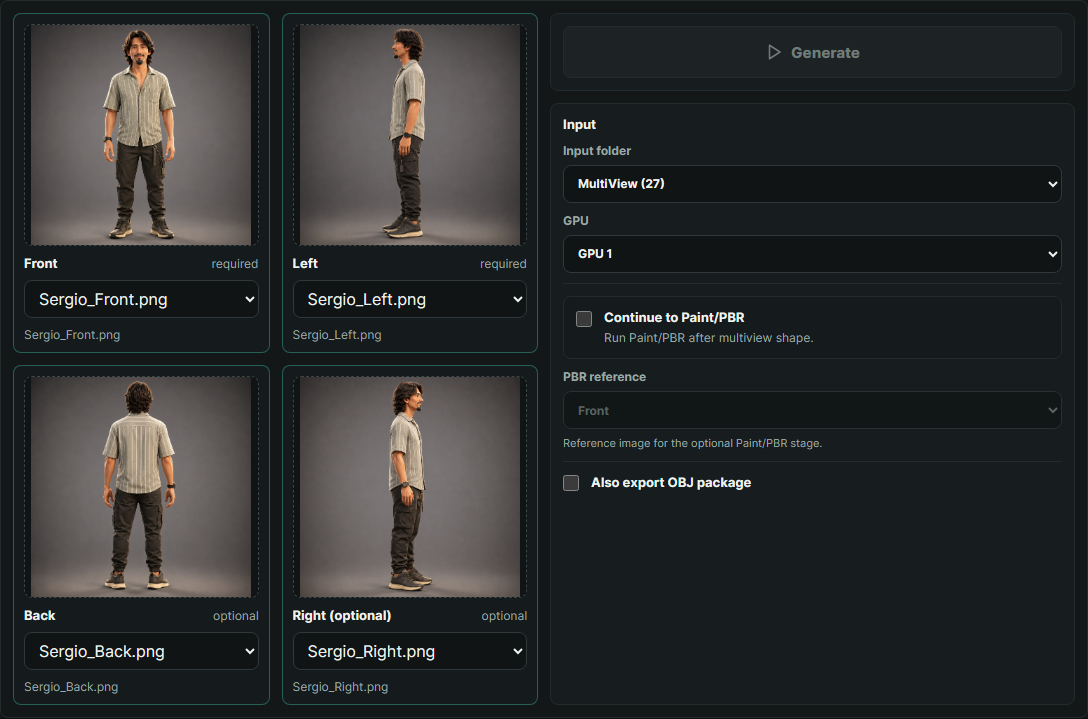
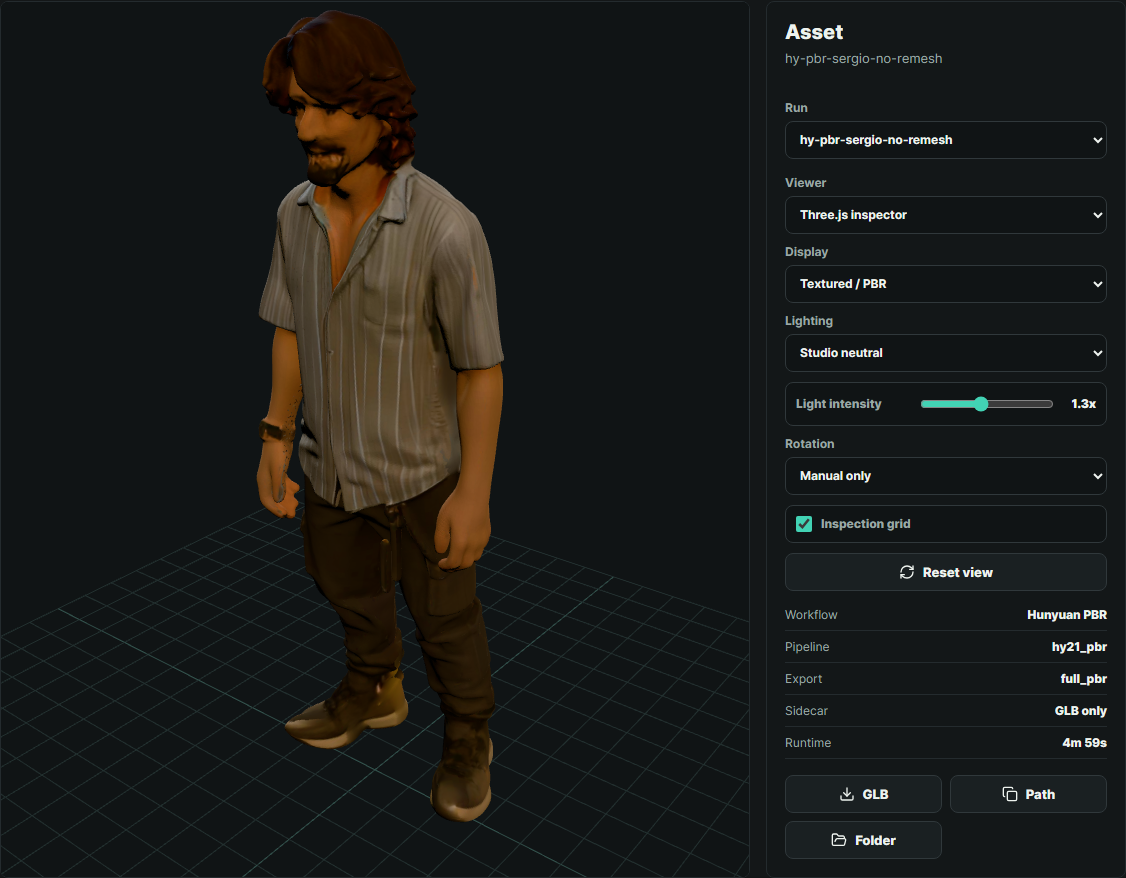
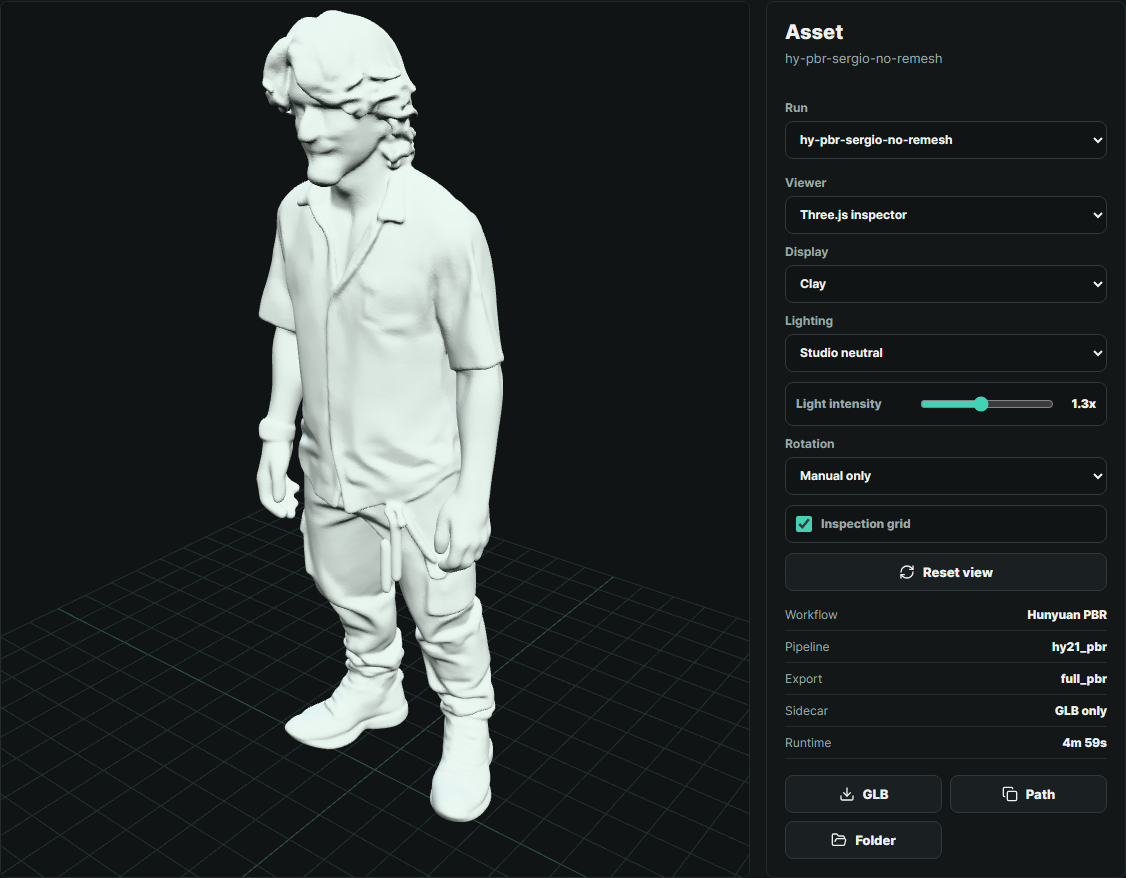
Selected tests